 Mini Coder
 AI Coding Playground for Kids – Build Games by Talking or Typing!
MiniCoder is a safe, AI-powered platform where kids create, play, and share their own mini games and apps. Coding for kids made fun – no experience required, just imagination!
No sign-up required to try
✨ Safe & Privacy-First • 🎮 10,000+ Games Created • 👪 Parent-Approved
How Voice Coding for Children Works
Creating your own games and tools is as easy as having a conversation!
Describe Your Idea
Tell us what game or tool you want to build using simple words
Watch the Magic
Our AI instantly creates your app exactly as you described
Play & Test
Try out your creation and see how it works
Share with Friends
Show off your amazing creation to family and friends
Community Creations
Discover amazing games and tools created by young developers like you!
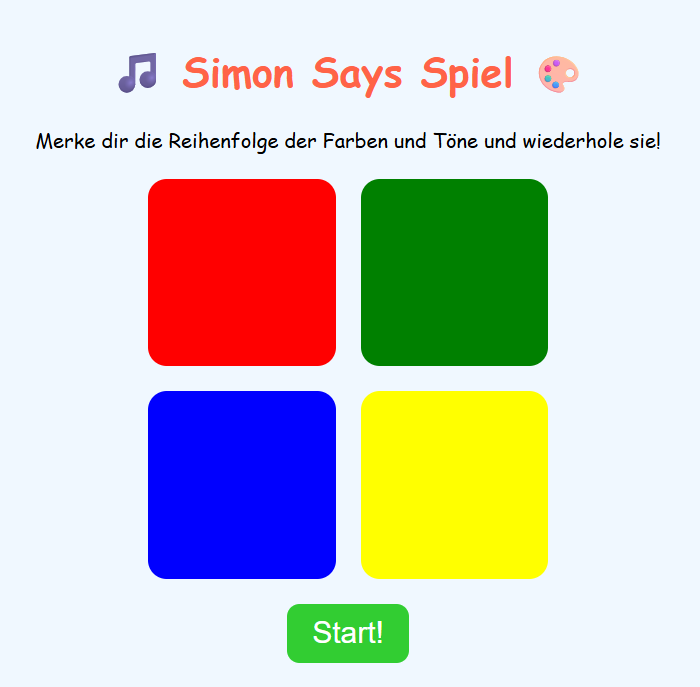
Simon Says Game
Simon Says game with colors and sounds
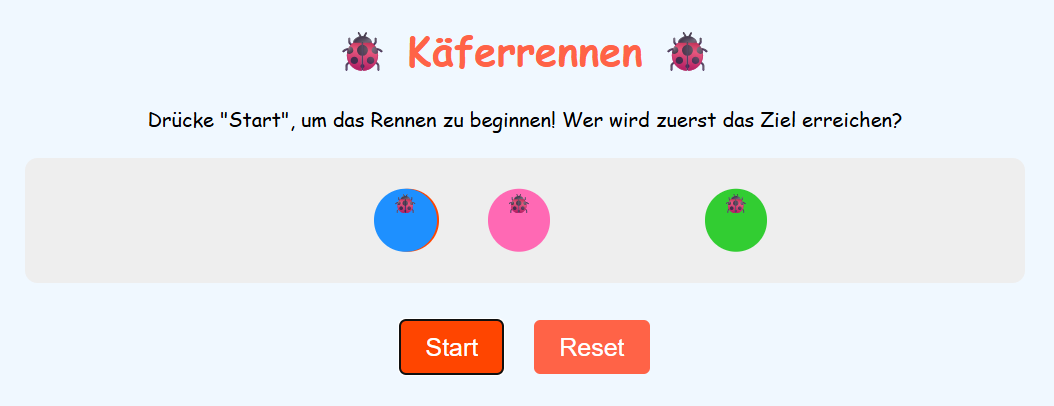
Bug Race
Bug racing game with start and reset button
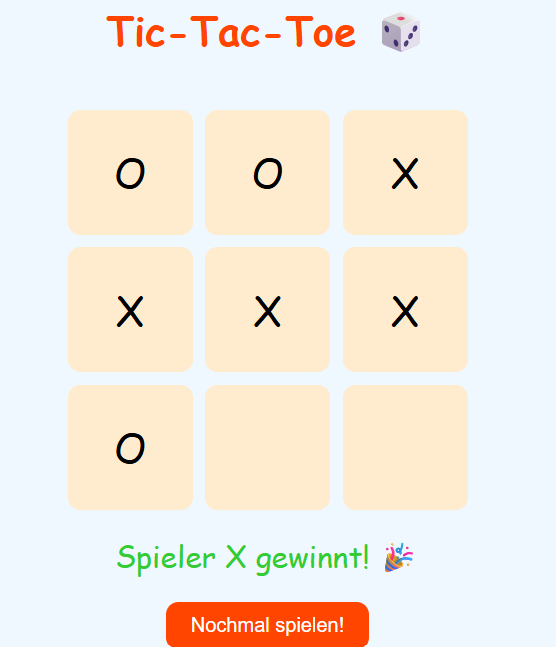
Tic-Tac-Toe Game
Tic-tac-toe game for two players
Why Kids Love MiniCoder
We've built the perfect platform for young creators to bring their ideas to life safely and easily
AI-Powered Creation
Build games and tools instantly with our smart AI that understands what kids want to create
Safe & Secure
Privacy-first design with no personal data collection. Parents can trust us with their kids
No Coding Required
Just speak or type what you want to build. Our AI turns your ideas into working games and apps
Instant Sharing
Share your creations with friends and family, or publish them to our community app store
Unlimited Creation
Build as many games and tools as you want. Your imagination is the only limit
Real Code Generation
Behind the scenes, we generate real HTML, CSS, and JavaScript that kids can learn from
See MiniCoder in Action
Watch how kids create amazing games in just minutes with our AI-powered platform
Your Child's Safety is Our Priority
We've built MiniCoder with the highest safety and privacy standards. Parents can feel confident letting their kids explore and create.
Privacy-First Design
We never collect personal information from children. No email addresses, names, or photos required.
Secure Platform
All content is moderated and games run in a safe, sandboxed environment with no external access.
Parental Oversight
Parents can review all games their children create and have full control over sharing settings.
Kid-Safe Community
All shared content is reviewed by our safety team. No chat features or personal messaging.
COPPA & GDPR Compliant
MiniCoder is fully compliant with child privacy laws including COPPA (Children's Online Privacy Protection Act) and GDPR. We're committed to creating a safe digital playground where creativity can flourish.
Frequently Asked Questions
Everything parents want to know about MiniCoder
Absolutely! We don't collect personal data, all content is moderated, and we follow strict privacy guidelines designed for children.
MiniCoder is designed for kids, but curious older kids and even adults enjoy creating with it too!
Not at all! Kids just describe what they want to build in plain language, and our AI does all the technical work.
MiniCoder is free to use! We believe every child should have access to creative technology tools.
Yes! Kids can share their apps with family and friends, or publish them to our moderated community app store.
Almost anything! Games, calculators, drawing tools, quizzes, timers, and much more. If they can imagine it, they can probably build it.
Yes! Parents can review all projects, control sharing settings, and monitor their child's activity through our parent dashboard.
MiniCoder works best on computers but is also compatible with tablets. We're working on a mobile app coming soon!
Simple games can be created in just a few minutes! More complex projects might take an hour or two, depending on the child's vision.
Currently, each project is created by one child, but kids can definitely inspire each other by sharing and remixing games!
Our AI assistant is designed to be patient and helpful. We also provide step-by-step tutorials and a supportive community of young creators.
While kids start with natural language, they gradually learn programming concepts like loops, conditions, and logic through our visual tools.
Parents can set usage limits through parental controls. We also encourage healthy breaks with built-in reminders.
MiniCoder works on Windows, Mac, and Chromebooks with modern browsers like Chrome, Firefox, Safari, and Edge.
Still have questions? Try MiniCoder yourself — it's free!
Ready to Start Coding for Kids?
Join thousands of young creators building amazing games and tools with MiniCoder