Simon Says
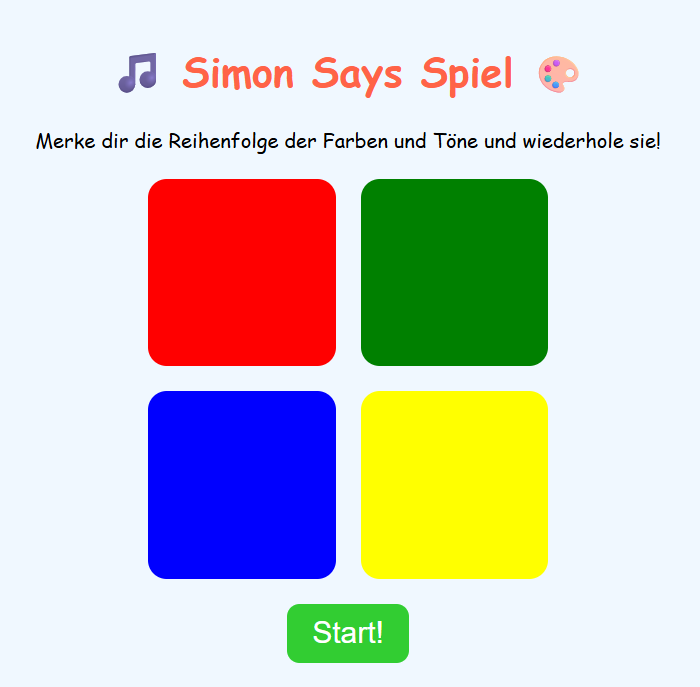
A color memory game — repeat the pattern as it gets longer and longer.
 Mini Coder ✨
Build fun mini apps just by talking or typing!
MiniCoder is a safe, AI-powered platform where kids create, play, and share their own mini games and apps. Coding for kids made fun – no experience required, just imagination!
No sign-up required to try
"Make a dragon that shoots rainbows" 🐉🌈
Great idea! Your game is ready 🎉
From idea to app in four simple steps.
Type or speak what you want to make — a game, a quiz, a tool, anything.
MiniCoder's AI turns your idea into a real, working app right in your browser.
Try your creation, then ask for changes — bigger buttons, new colors, more levels.
Save it, send a link, or publish to the community so others can play.
A few favorites built right here on MiniCoder. Tap to try one!
A color memory game — repeat the pattern as it gets longer and longer.
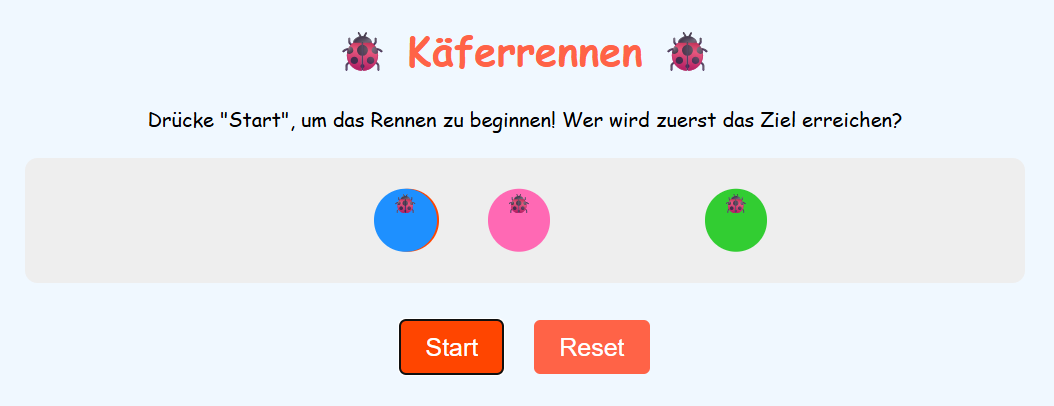
Tap the right bug before it escapes. Fast-paced arcade fun.
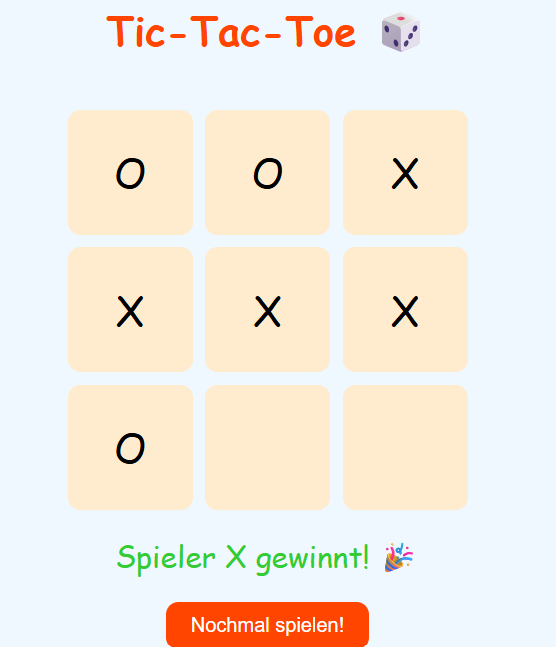
The two-player classic — challenge a friend on the same device.
Powerful features in a playground that just feels fun.
Describe what you want and the AI builds a working app in seconds.
Kid-friendly content, privacy by design, and no scary surprises.
No syntax, no setup. Just type your idea — or speak it out loud.
Send a link or publish to the App Store so other kids can play right away.
Build, save, and revisit as many apps as you can dream up.
Under the hood it's real HTML, CSS, and JavaScript — peek inside to see how it works.
Watch a kid build a working app in under a minute.
Trusted by parents and teachers
Safety, privacy, and a positive environment matter most — so parents can relax while kids create.
We collect only what's needed to make the app work. No tracking, no ads, no selling data.
All generated apps run in a sandboxed iframe — code from other kids can never reach your computer.
Easy to understand, no hidden costs, and clear controls for grown-ups who want to check in.
Every app published to the community App Store is reviewed before it goes live.
Got questions? We have answers!
MiniCoder is an AI-powered coding playground for kids. Tell it what kind of app or game you want and it builds a working version for you — no coding experience needed.
Not at all! Just type or speak what you want to build. MiniCoder turns your idea into real code automatically.
MiniCoder works best for kids aged 6 and up, but older kids, teens, and even grown-ups have fun with it too.
Yes. We collect very little personal data, all community apps are reviewed before going public, and the AI is tuned for kid-friendly content.
MiniCoder is free to start — create apps every day at no cost. For unlimited app creation, MiniCoder Pro is €8.99/month (or €69/year), cancel anytime. See the Pricing page for details.
The interface is available in English, German, Spanish, Portuguese, French, Hindi, Russian, Korean, Japanese, Persian, Arabic, and Turkish. You can describe your app in your own language too.
Games, quizzes, calculators, drawing tools, animations — pretty much anything that runs in a browser. Imagination is the only limit.
Yes! Tap the microphone and tell MiniCoder what to build. Great for younger kids who don't type fast yet.
Yes — sign up for a free account and your creations are saved to My Creations. You can play, edit, or share them anytime.
Definitely. Every saved app gets a share link, and you can publish to the App Store so other kids can play your creation.
Yes. MiniCoder works in any modern browser — on desktop, tablet, or phone.
Use the 'Make it better' button to ask the AI to fix or change it. You can also rebuild from scratch with a new prompt.
As little as possible. We follow privacy rules designed for children, including GDPR and COPPA principles. See our Privacy Policy for the full details.
Yes! Teachers love using MiniCoder as a creative coding tool in classrooms. Get in touch if you'd like to set up classroom accounts.
Still have questions? The easiest answer is to try it!
Join thousands of kids building games and apps with MiniCoder. It's free, safe, and tons of fun!
Running MiniCoder with a group? Start a Classroom